
Generate and run test paths
A scenario describes one situation. From it, AssureAgent generates test paths — multiple alternative narratives that exercise different ways the conversation could go. You’ll generate paths, pick one, and watch a real call happen.
Step 1 — Generate test paths
Section titled “Step 1 — Generate test paths”- From the left nav, click Test Paths (or open your scenario from the Scenarios list and click Generate test paths).
- Pick the scenario you just created.
- Click Generate.
After 30–60 seconds you’ll see one or more path cards.
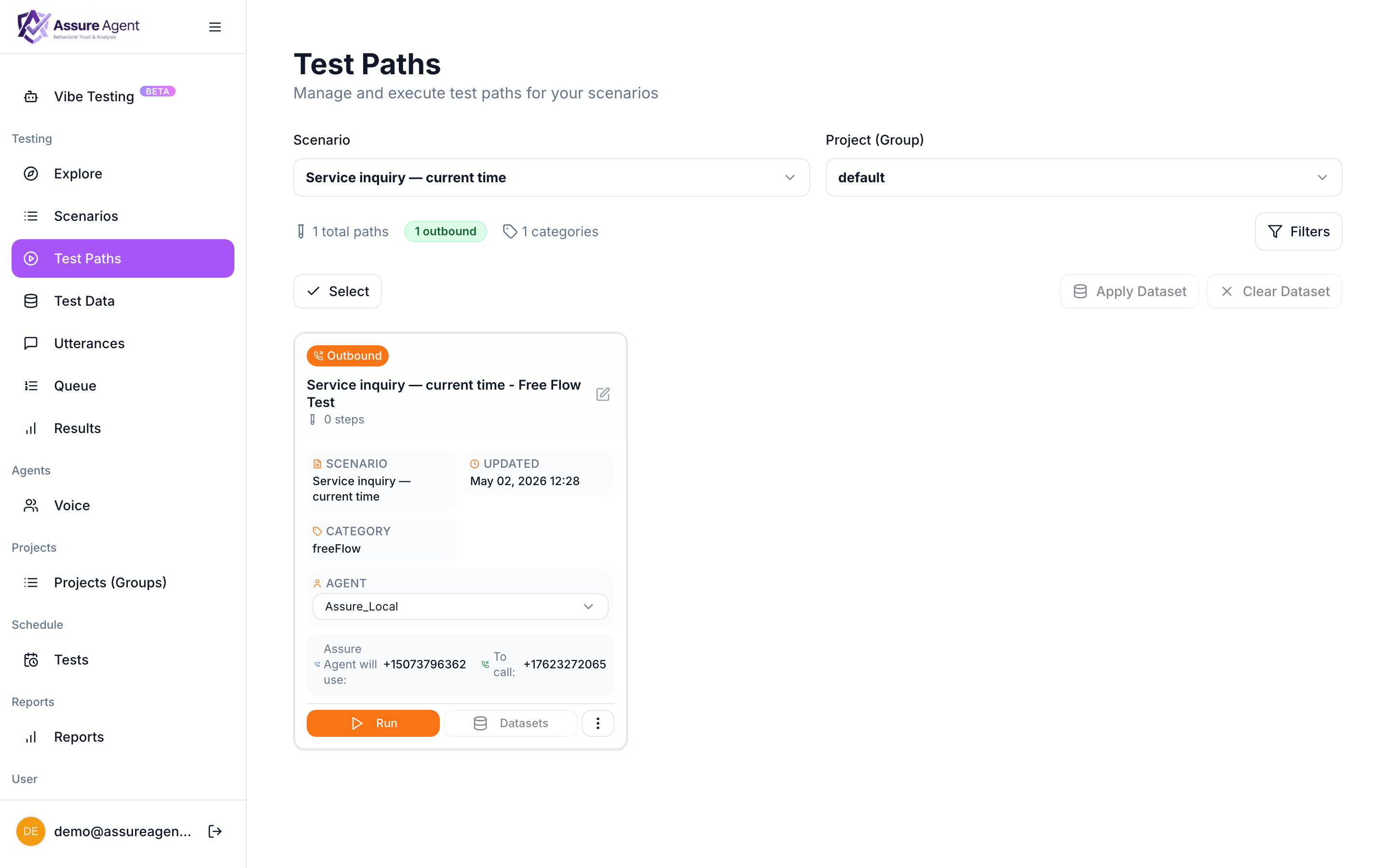
Each card has a name, a short synopsis, and a Run button.
Step 2 — Run a path
Section titled “Step 2 — Run a path”- Click Run on the path you want.
- AssureAgent places the call. You can watch the live progress on the Queue page.
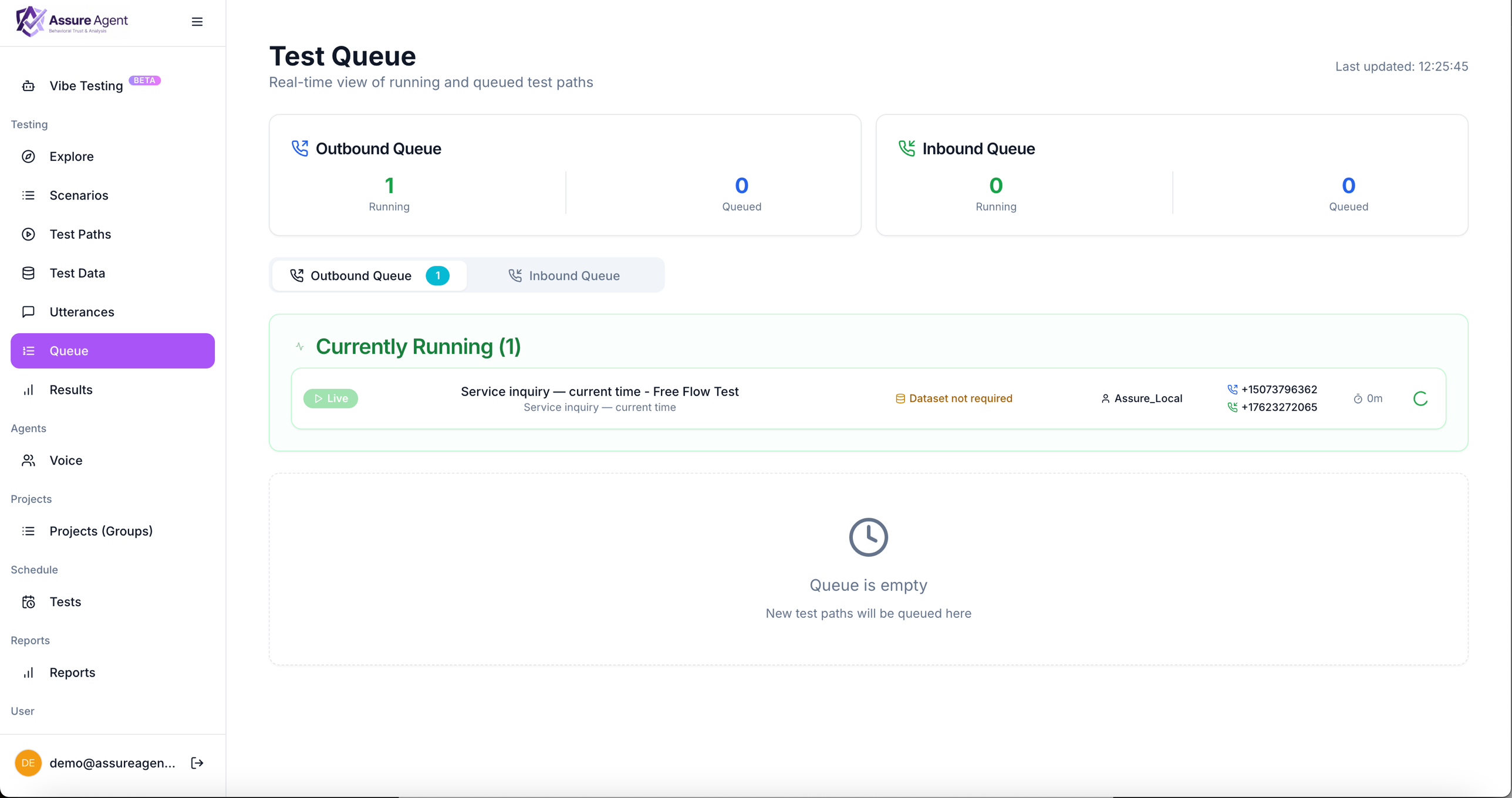
The status moves through:
| State | Meaning |
|---|---|
| Pending | Queued, waiting to start. |
| Live | Call connected. Audio + transcript are streaming in. |
| Completed | Call ended. Transcript and audio are final. The result is now viewable. |
You don’t need to keep the page open — the call continues server-side and finishes whether you watch or not. Come back to it from Test results in the left nav anytime.
What’s happening under the hood
Section titled “What’s happening under the hood”For each path, AssureAgent materializes a caller persona from your scenario description, dials your target from the outbound number you assigned, and lets the caller LLM hold the conversation. The conversation is recorded turn-by-turn (audio + transcript) and graded against the success criteria. None of this requires you to babysit.